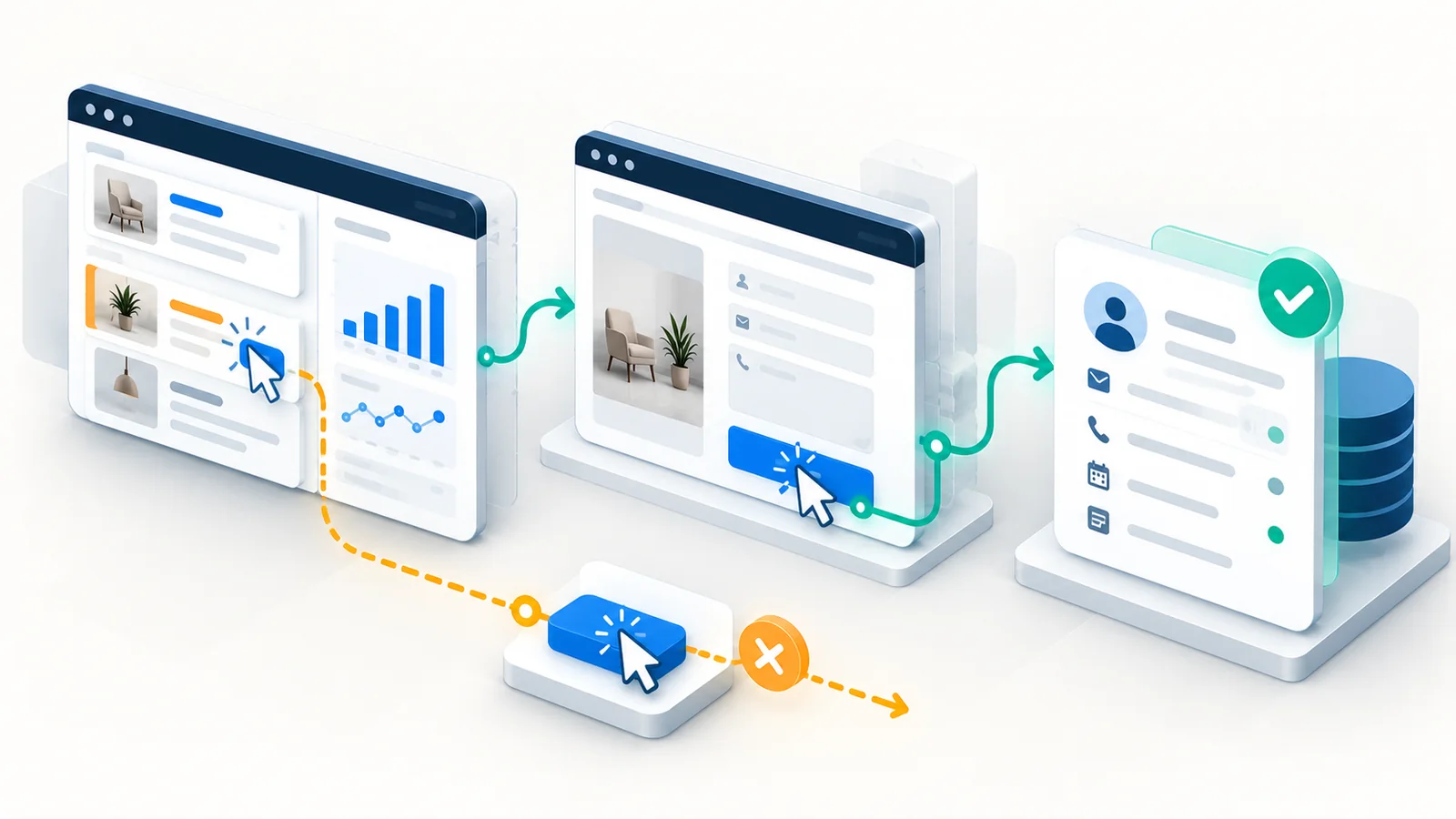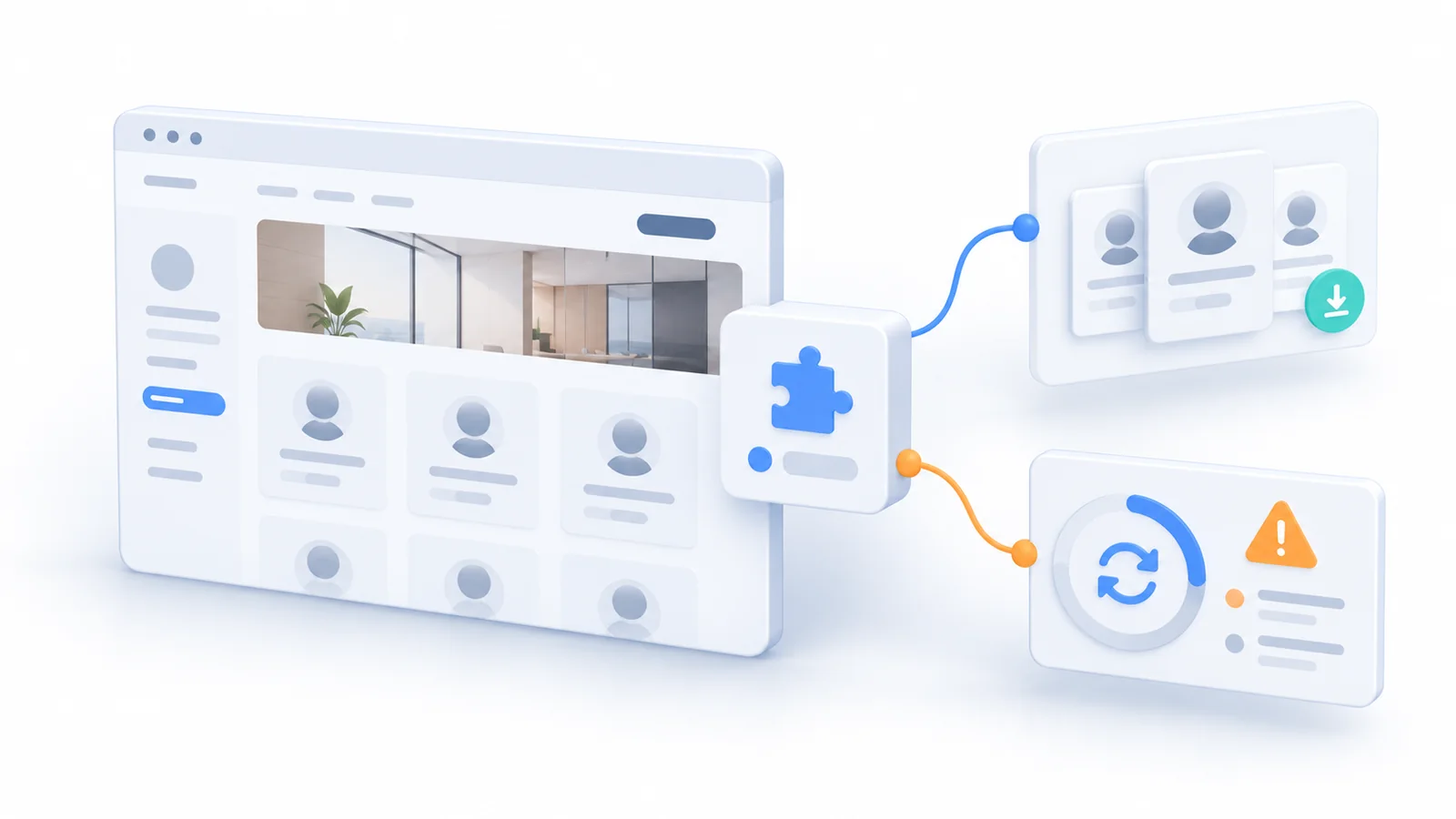
A service company wants a staff directory on its WordPress website. Visitors should find the right specialist, filter by office, and read profiles in English or Arabic. A directory plugin offers attractive templates and promises to have the feature running quickly. It seems like an easy decision compared with asking a developer to build another part of the site.
The demonstration works. The business can add a profile, upload a photograph, and place the directory on a page. But before signing off, a few questions remain. Where will the profiles be stored? Can editors update both languages without duplicating information incorrectly? What happens when the website design changes? Can the content be exported in a useful form if the plugin is no longer suitable?
These questions do not prove that the plugin is a poor choice. A well-maintained extension can be more reliable and economical than building a feature from scratch. They reveal something the demonstration does not show: installing the capability is only the beginning of owning it.
The staff-directory example in this article is hypothetical. It does not describe a Technway client, a particular vendor, an audit result, or a measured cost. Its purpose is to help website owners compare the real obligations behind an apparently small addition.
A quick installation is not the full scope of the feature
WordPress plugins are valuable precisely because they package useful behavior into something a site can adopt without inventing everything anew. For many ordinary needs—a form, an import workflow, a carefully chosen editing tool—that can be the best economic and engineering decision.
The cost changes when an extension becomes responsible for information or behavior the business cannot afford to lose. A simple visual decoration might be easy to remove. A staff directory that becomes the only place where profiles, offices, languages, contact routes, and filtering rules are maintained can be much harder to replace.
Think about the editor who joins six months after launch. They do not care how fast the plugin was installed. They need to correct an employee’s role, deactivate a former colleague’s profile, change an office location, preview a translated page, and trust that the public result is correct. If those activities depend on one undocumented plugin workflow, the business has acquired a new operating dependency.
The fair comparison is therefore not “plugin price versus the hours required to write code.” It is the total effort to introduce, operate, change, and eventually replace the capability under realistic business conditions. A free plugin can be the right choice, and a paid plugin can save substantial work; neither has zero ownership cost.
Find out what the plugin will own
A directory extension may store information in ordinary WordPress content, register its own content types and metadata, keep configuration in plugin options, or use separate tables. It may render a page through blocks, templates, or shortcodes. None of these is automatically wrong. Each creates a different dependency between the content and the presentation.
Before approving the feature, ask someone to identify what would remain if the extension were disabled. Would the profiles still exist in WordPress but no longer be displayed? Would a page contain a shortcode that can no longer render? Would photographs remain in the media library? Would translated fields still be linked to the correct people? The answers depend on the actual extension and its storage choices.
This is not theoretical over-engineering. WordPress’s Plugin Developer Handbook (opens in a new tab) distinguishes deactivation from uninstallation and describes plugin-specific cleanup of options and database tables. That distinction matters because disabling a plugin, deleting it, and migrating away from it are not the same operation. Do not assume data is preserved or deleted in a particular way without inspecting the product and its uninstall behavior.
A useful ownership map for this staff-directory proposal is shown below. The entries are review questions, not findings about any named plugin.
| What the plugin owns | Question to test | Long-term implication |
|---|---|---|
| Profile records | Where stored, and can all fields export? | Migration and editor continuity |
| Display blocks or shortcodes | What remains when disabled? | Pages may depend on the extension |
| Languages and filters | Can office changes work in both locales? | Editorial drift and support work |
| Permissions and data flows | Who can edit, and what leaves the site? | Security and privacy responsibilities |
| Updates and dependencies | Who checks the feature after changes? | Regression and recovery ownership |
The map also reveals what the business might reasonably keep independent of the plugin. Approved profile data, office identifiers and translations may deserve a documented export path even when the display layer belongs to the extension. The more difficult it is to distinguish those responsibilities, the more carefully the future change cost should be examined.
Look beyond the licence fee to the change budget
Plugin costs are often easy to see in a purchase screen: an annual licence, a premium feature tier, or an optional support package. The less visible items are the work created by future changes. Someone must monitor compatibility, assess updates, verify important user journeys, resolve conflicts with other components, and decide what to do if support ends.
WordPress’s Manage Plugins guidance (opens in a new tab) explains how to inspect compatibility information and update extensions. It also distinguishes compatibility indications from plugins that are untested against a particular WordPress version. That is useful screening information, but a compatibility label is not a substitute for testing a site’s own theme, content and editorial workflow.
Some extensions also require other plugins. WordPress includes explicit plugin-dependency support (opens in a new tab), with developer APIs introduced in WordPress 6.5. Those declared dependencies can help the administration interface identify requirements. They do not reveal every informal dependency on a theme layout, a translation workflow, an external service, or custom code. The reviewer still needs to understand the whole feature.
A premium renewal may be justified because vendor updates and support reduce the business’s own burden. Equally, a plugin maintained by a single supplier could become an expensive constraint if the website depends on a feature the supplier stops supporting. Instead of assuming either outcome, ask what the support arrangement covers, how decisions about breaking changes are communicated, and what the fallback would be.
Security risk is about exposure and maintenance—not a magic plugin count
There is no universal maximum number of WordPress plugins at which a website suddenly becomes unsafe. A small collection of poorly maintained components can create serious problems; a larger set of appropriate, updated extensions can be manageable with disciplined ownership. Counts are useful for inventory, not as a substitute for examining what each component does.
WordPress’s Security handbook (opens in a new tab) recommends keeping WordPress, themes and plugins updated and favoring actively maintained extensions. OWASP’s guidance on vulnerable and outdated components (opens in a new tab) similarly emphasizes knowing which software is installed, monitoring for vulnerabilities, removing unnecessary dependencies, and testing compatible upgrades. That is a more defensible policy than treating every plugin as equally risky.
For the staff-directory proposal, the reviewer should ask whether the extension handles public profile content only, or also manages user accounts, contact submissions, access permissions, or personal details. The nature of the data and the permissions required change the level of diligence. If personal information is stored or sent to another provider, the business needs to understand the data path and applicable privacy obligations before launch.
Deactivating a plugin is not the same as removing its files. An inactive component that is still installed should therefore remain part of the site’s software inventory. WordPress’s Site Health screen (opens in a new tab) reports active and inactive plugins, pending updates, and selected environment concerns. It supports maintenance review, but a passing Site Health check does not establish that the directory is secure or correct for a given website.
Automatic updates still require someone to own the outcome
Automatic plugin updates can reduce the delay between a vendor release and its installation. WordPress allows administrators to configure them for individual plugins (opens in a new tab), and its documentation recommends backups and a way to recover if an update causes problems. These controls are useful, but they do not remove the need to decide how a change will be checked.
Suppose the directory still loads after an update, but the office filter no longer finds people with translated office names. A technical update may have completed successfully while the customer task became less reliable. A suitable verification routine might create or edit one bilingual profile, check an important filter, inspect a mobile layout, and confirm that editors can still publish.
Higher-impact extensions need a proportionate testing and rollback plan; lower-impact ones may need a simpler spot check. The right process depends on their reach and the consequences of failure. In either case, someone must be able to explain who notices a problem, who decides to roll back or fix forward, and what customer-facing behavior should be checked afterward.
Do not guess at performance or accessibility
An extra extension is not automatically the cause of a slow website. Some plugins add little work to a public page; others load scripts and styles widely or perform database queries at important moments. The effect depends on the plugin, its configuration, the theme, caching, hosting, traffic, and the journeys being measured.
Before blaming or approving a plugin on performance grounds, compare representative pages and tasks in a controlled environment. Look at a directory listing, a staff profile, an important mobile viewport, and the difference between a cached visitor and an authenticated editor where relevant. Record the conditions so a later result can be compared fairly. A favourable one-page score cannot prove that every route remains fast.
Accessibility is likewise a property of the completed interaction, not of the plugin label. If the directory provides search, filters, expandable biographies, or modal profile details, the resulting controls need usable names, keyboard interaction, focus behaviour, and clear outcomes. English and Arabic content should be checked in the actual theme and responsive layout; multilingual support advertised by a vendor is not a substitute for trying the team’s editorial task.
If a third-party directory embeds an external map or service, ask which requests and information leave the website and what happens when that service is unavailable. Those checks may add little work for a modest feature; if the integration is central to the customer journey, they become part of the acceptance decision.
Test how the feature can leave before it becomes essential
The most revealing pilot may be an exit rehearsal. In a staging copy, add a few representative profiles, associate them with offices, translate them, then export the information and examine what another system could actually use. Can the site recover names, biographies, office assignments, and media references without copying the plugin’s exact presentation? Does removing the extension leave an agreed recovery or migration path?
This is not an instruction to uninstall software from production. Test in an isolated environment with an appropriate backup, and distinguish disabling the plugin from deleting its stored data. A successful export is useful only if a future editor or developer can map it into a replacement system without hand-rebuilding every entry.
A lock-in concern should be weighed against real value. If the plugin provides robust editorial workflows, updates, and support at a sensible cost, a manageable migration effort may be acceptable. If the business owns hundreds of important profiles and the data cannot be moved coherently, that dependence deserves attention before the content accumulates.
Compare the options against the actual job
For a simple page with a handful of staff members, WordPress’s standard editing tools and a controlled page layout may be enough. For dozens of people across offices and languages, a focused extension can provide meaningful value. A lightweight custom content type with predictable fields might be suitable when portability and specific editorial rules matter more than a vendor’s ready-made interface. A specialist external directory service is another possibility when the feature genuinely belongs outside the website.
The useful comparison is what each option allows the business to do and which obligations it accepts, rather than which technology sounds most flexible.
| Approach | Strongest fit | Commitment to accept |
|---|---|---|
| WordPress core blocks | Small, rarely changing team page | Manual edits; limited filtering |
| Focused directory plugin | Many profiles, repeatable editor workflow | Vendor updates and export checks |
| Lightweight custom content | Specific fields and portability needs | Developer testing and support |
| External directory service | Independent, complex directory operations | Integration and data-transfer duties |
These are not rankings. The simplest option is not always the cheapest over time, and custom work is not automatically safer. A well-selected plugin may already solve the problem with better-tested editing tools than a bespoke first attempt. A custom solution may be preferable when the business rule is narrow and the plugin introduces workflows and dependencies the site does not need.
Make a decision with a small, realistic trial
I would ask for a brief proof that resembles normal business work: an editor adds a profile in both languages, changes its office, hides a former colleague, and checks the public result. A developer then examines the data export, verifies an update in staging, and confirms a sensible recovery route. If directory filters matter, include keyboard and mobile use in the same trial.
The approval record can be short: which solution was chosen, which alternatives were considered, what data it owns, what future updates and licences require, who supports it, and what evidence justified the decision. If a significant concern remains untested, make it a condition of approval rather than pretending it has been resolved.
For the hypothetical staff directory, my starting recommendation would be to trial a focused and well-supported plugin rather than build a fully custom directory immediately. I would approve it only after the multilingual editorial task works, the data can be exported meaningfully, important page behaviour passes in the actual theme, and ownership of renewal and updates is clear. If those conditions fail, the alternative may be to keep profile data in a simpler structure and build only the needed presentation.
That conclusion could change for a three-person team page, where a directory extension may create unnecessary administration, or for a complex staff portal with access rules and integrations, where a simple public-directory plugin may be the wrong tool entirely. The recommendation follows the business requirement, not loyalty to plugins or opposition to them.
The real price of a plugin is a responsibility someone accepts
WordPress’s extension ecosystem is a major reason the platform works well for many businesses. Rejecting plugins categorically would discard that advantage. But buying a feature from an extension does not transfer the whole responsibility for that feature away from the site owner.
Before installing one more plugin, ask what it will own, how the business will verify updates, and what happens if the website needs to change direction. If those answers are reasonable, a plugin can be the most economical path. If nobody can answer them, the apparent shortcut may be moving work into a future project rather than eliminating it.