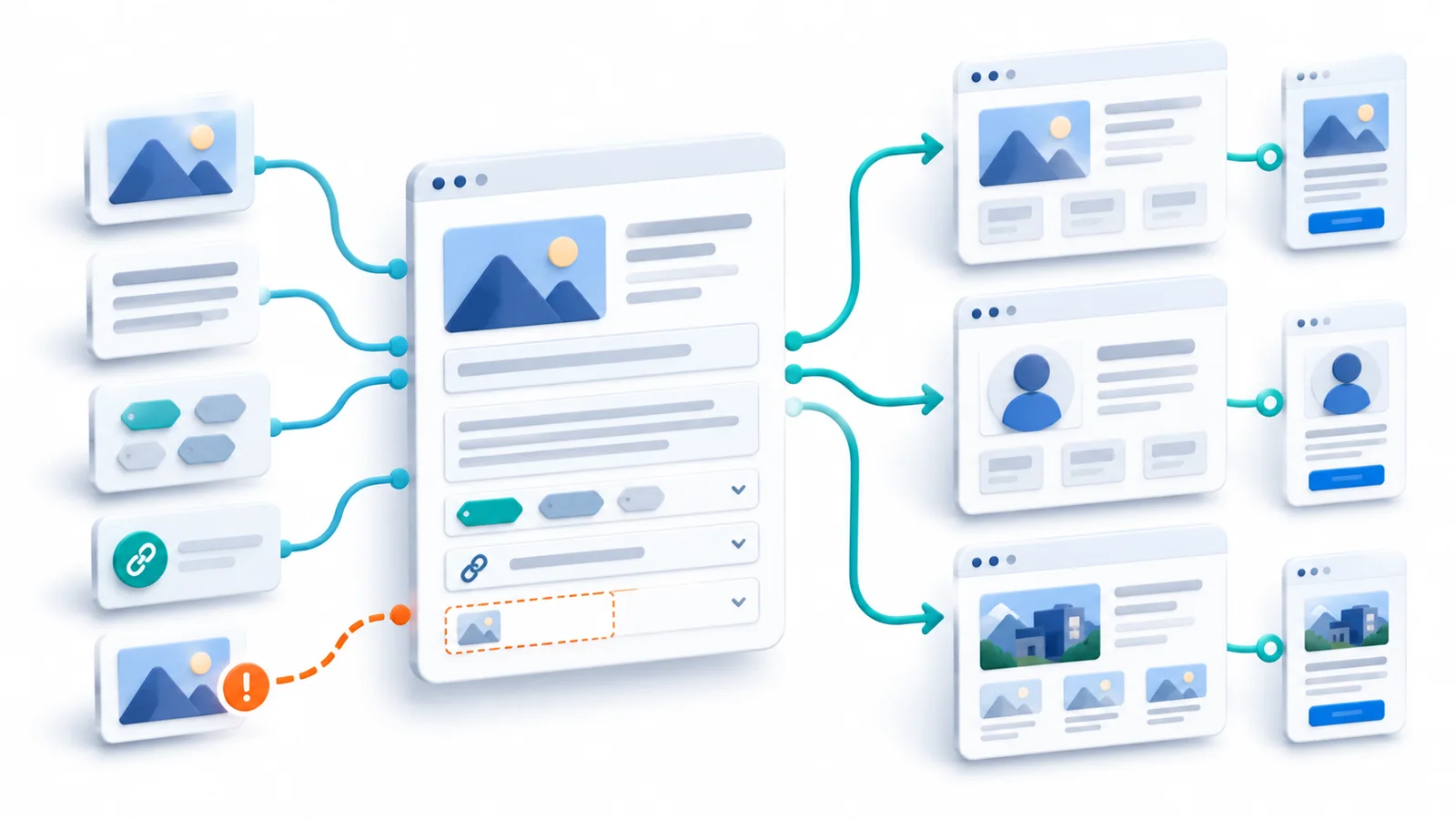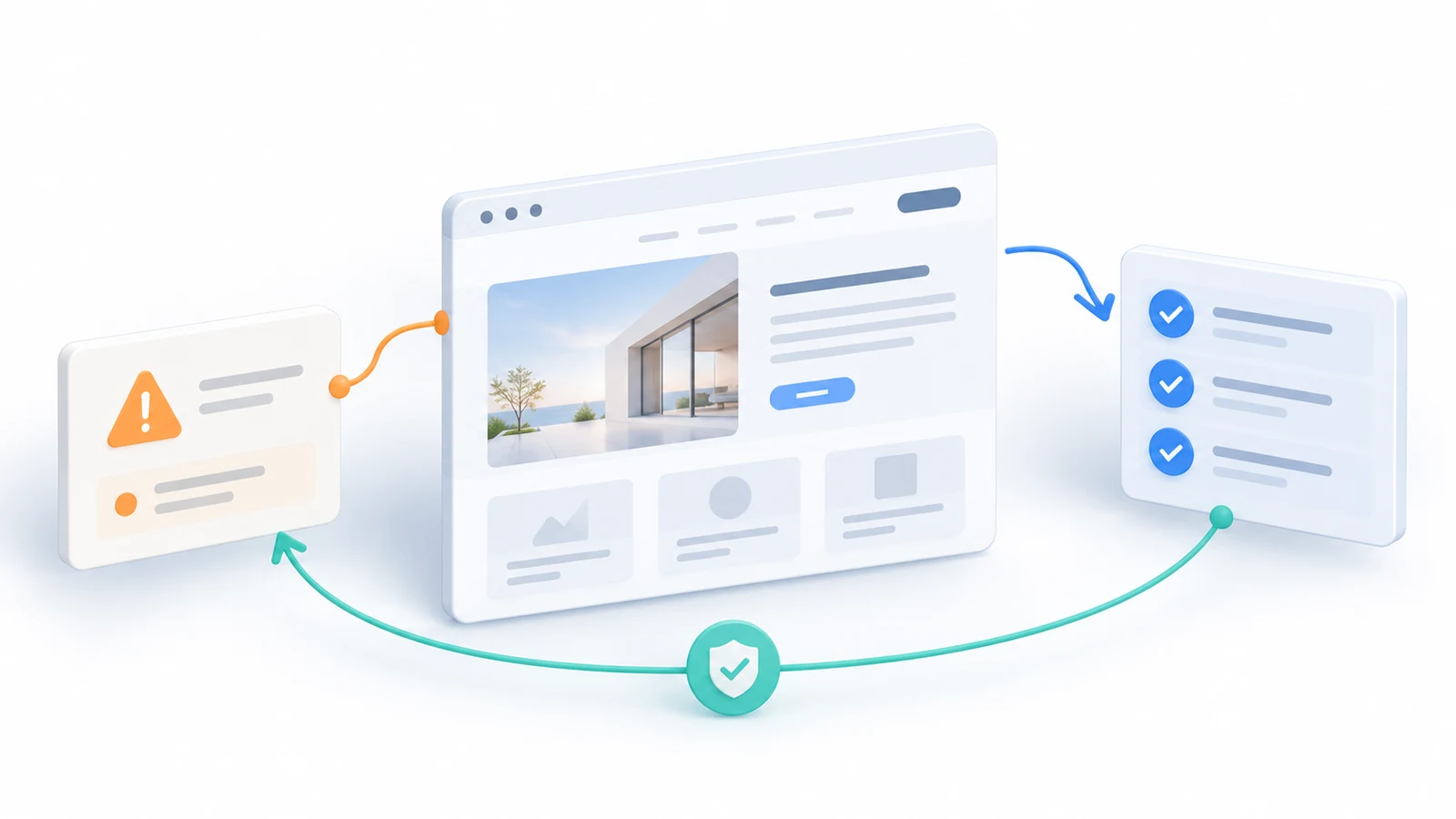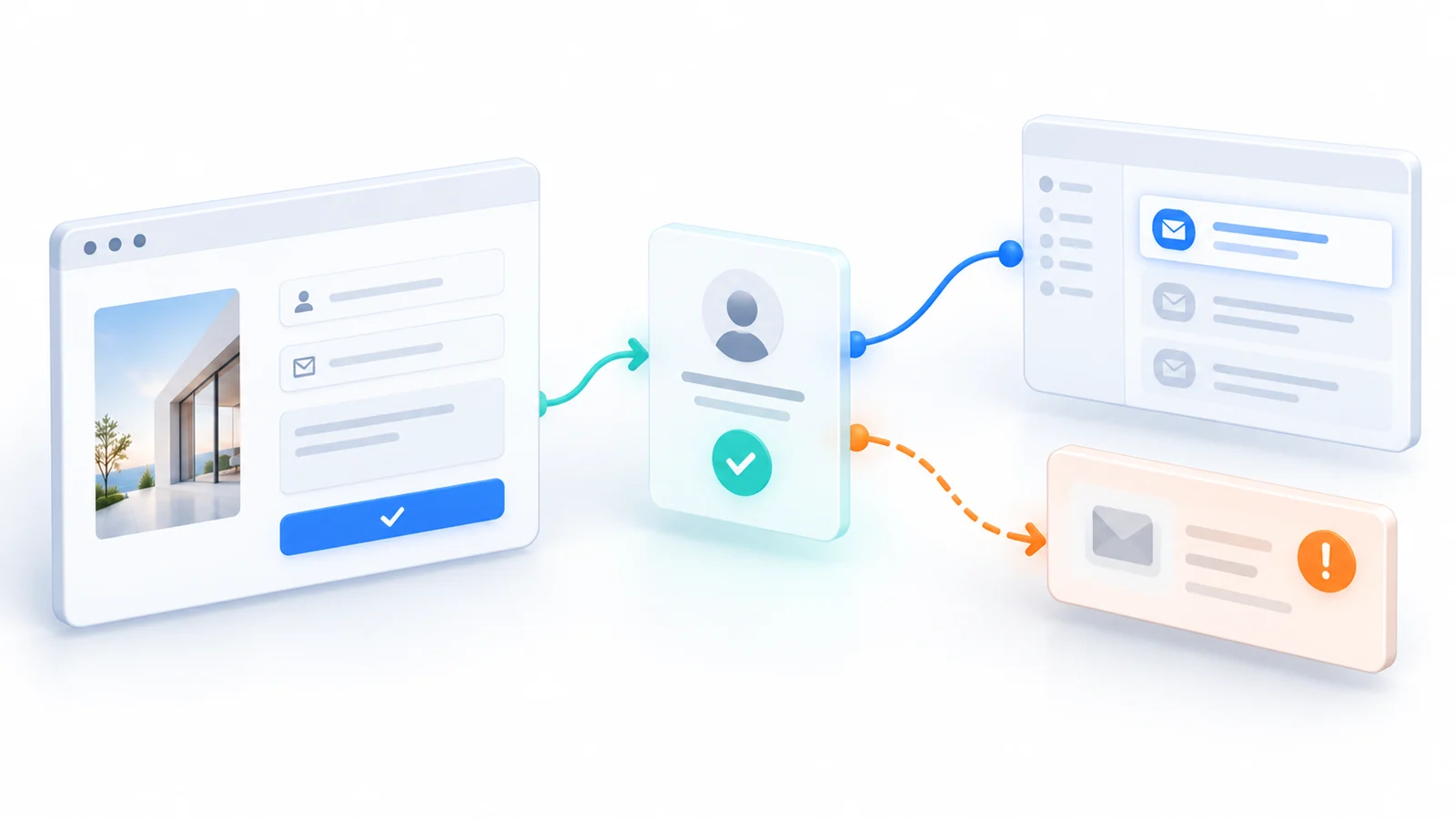
A renovation company adds a request-a-quote form to its website. Visitors choose a service, describe their project and enter an email address. The form passes testing: the button works, a confirmation appears and an analytics event is recorded.
Then the company changes its shared sales inbox. The website continues accepting requests and showing the same reassuring confirmation, but its notification is still addressed to the old mailbox. Depending on how the form is built, those enquiries may be safely stored and recoverable—or the notification may have been the only copy. The visitor cannot see the difference.
This example is hypothetical. It is not a Technway client incident, a measured lead loss or a claim about any particular form platform. It illustrates the question that matters at launch and after every relevant change: can the business demonstrate that a valid enquiry reaches the system and person responsible for acting on it?
An attractive form, a successful HTTP response, an email service’s “sent” event and a conversion in an analytics dashboard can all describe different stages. A reliable release does not treat them as synonyms.
Define success at the business boundary
The first decision is where a lead becomes an accepted business record. On a small website that may be a verified message in a managed mailbox. On another site it may be a record in a CRM or enquiry database, with email used only to alert staff. Neither architecture is automatically correct, but the acceptance test must name the authoritative destination.
For the renovation company, I would propose this contract: a valid request is accepted only after the server has confirmed its required data and durably recorded an enquiry that staff can retrieve. The visitor then sees an accurate confirmation. Notification delivery and sales follow-up are separate states. If the site is email-only and has no retained record, the contract must instead require evidence that the receiving process actually got the message before calling it received—or the business should change that design.
This distinction is especially important when a service returns an ambiguous result. “Your message has been sent” may be too strong if the only known fact is that a browser request started. “We received your enquiry” may be appropriate when a durable accepted record exists even though the internal notification is still pending. The wording must match the actual system, not an optimistic interface animation.
Agree on what an accepted record must contain: the selected service, usable contact details, the customer’s message, relevant consent choices if required, a timestamp, a status and a way to identify a specific submission. Do not collect extra personal information just because the form builder offers fields for it. The team should be able to explain who can view the record and how long it is needed.
A browser-valid form can still be rejected by the server
The browser can prevent many ordinary errors before a visitor submits. HTML constraint validation supports required fields and field-specific restrictions, but MDN explicitly notes (opens in a new tab) that client-side validation can be bypassed. Server-side checks are therefore part of the acceptance rule, not an optional second layer. The OWASP Input Validation guidance (opens in a new tab) recommends validating each field against its expected meaning instead of trying to make arbitrary input safe by simply removing suspicious characters.
A realistic test should try both intended input and deliberate mismatches. What happens when the service selected on the webpage is not recognized by the backend? When the message contains accented names or Arabic text? When a field is too long, missing or malformed? When a visitor corrects an error and submits again? The system should reject genuinely unacceptable input without silently discarding valid writing.
The user-facing response matters as much as the rejection. W3C’s guidance on error identification (opens in a new tab) requires automatically detected input errors to be identified and described in text. A coloured border alone, or an unexplained reset to the top of the form, is weak evidence of usable recovery. Check the actual form with keyboard navigation, its supported languages and a narrow mobile viewport as needed.
Public lead forms may also attract automated submissions. Spam controls, rate limits and abuse detection have to be assessed against the business’s real risk; aggressive filtering that discards genuine enquiries is another silent failure. The test should show what happens to a legitimate but unusual message as well as an obvious invalid submission. A CAPTCHA result alone is not proof that every real person can send a lead.
Preserve the lead independently of the notification
In the hypothetical migration of the sales inbox, a retained enquiry record changes the outcome. Staff can still find an accepted request even when email routing is broken. If the form’s only action is to send an email, a delivery failure may leave no business-accessible copy; whether that is acceptable should be an explicit business decision, not a hidden implementation detail.
For a site with an enquiry store, I would test that the server writes the record before reporting accepted status and that the correct receiving workflow can later retrieve it. If notifications are processed in the background, a robust design also needs a reliable handoff between recording the lead and scheduling the notification. Otherwise the record may exist while the message silently disappears between two steps.
The solution does not have to be a complex event platform. A small site might use a reputable managed forms service with a searchable submissions view, limited staff access and export capability. Another might use a database and a controlled notification queue. The choice depends on volume, privacy requirements, operational skills and how much the business relies on incoming leads. The invariant is the same: define which system can prove acceptance and how staff recover the record.
Email accepted, email delivered and lead handled are different states
The email provider has its own event vocabulary. Amazon Simple Email Service (opens in a new tab), for example, distinguishes a successful send request from delivery to the recipient’s mail server, as well as bounces, rejections and delivery delays. A “delivery” event does not certify that the intended employee noticed the message, that it escaped a spam folder, or that a follow-up took place.
So the end-to-end test needs a destination check. Does the notification reach the mailbox or CRM queue currently owned by the business? Can an authorized staff member read enough information to act? Does a routing rule send it to the correct team? If a message bounces, is delayed or never becomes available, will anyone receive a useful alert or find the accepted lead by another route?
The website should not display delivery diagnostics intended for staff. It should communicate what the visitor can safely assume and offer a clear fallback if acceptance genuinely fails. Operational evidence and visitor feedback serve different purposes, but both must be truthful.
Retry behavior must not manufacture new leads
A visitor on an unreliable connection may submit a valid form and see the request time out. That does not tell the browser whether the server stored the enquiry before the response was lost. Repeatedly pressing Submit could create duplicate records or notifications; falsely reporting failure could encourage the same action.
Decide how the implementation handles repeated attempts. For workflows where duplicates would cause real confusion, the client and server can use a stable submission identifier or idempotency strategy so a genuine retry does not create another lead. If a notification queue may deliver a task more than once, its consumer also needs a way to avoid repeated side effects. AWS’s documentation on standard SQS queues (opens in a new tab) explicitly notes possible duplicate deliveries and recommends idempotent processing; a different forms stack may use a simpler equivalent control.
Do not turn every small contact form into a payment-processing platform. The appropriate mechanism could be as modest as a short-lived token, a server-side unique request ID and a way to check the accepted status. What matters is that the team has tested one ambiguous outcome and knows what the visitor should do next.
Follow one controlled enquiry from screen to recipient
A convincing acceptance test uses a safe, identifiable test enquiry in the actual relevant environment. The test should start where a visitor starts, cross the server and storage boundaries, and finish where a staff member works. Each checkpoint has its own evidence. The table below is an illustrative test contract, not a claim that Technway runs this exact infrastructure.
| Checkpoint | Evidence to collect | What a quick demo misses |
|---|---|---|
| Browser and validation | Usable inputs and clear errors | Invalid values hidden by the UI |
| Server acceptance | Valid request accepted under real rules | Client success before server rejection |
| Business record | One retrievable lead with test reference | Request acknowledged but not saved |
| Routing and assignment | Correct inbox or CRM queue accessible | Message sent to obsolete destination |
| Analytics and follow-up | Event aligns with accepted lead; owner sees it | Click tagged without a usable enquiry |
A screenshot of the final green banner does not replace any of these checks. If the source of truth is a CRM, inspect the created CRM record. If it is a managed form service, confirm that the entry is visible to the authorized person. If it is an approved mailbox-only system, confirm receipt and content at the actual destination. Record the test reference and remove or label synthetic leads so they do not get confused with customer requests.
Test failure conditions deliberately, not only the happy path
A release test that includes only one valid submission proves too little. The useful cases are those that could reverse the acceptance decision: invalid or suspicious input, the receiving service becoming unavailable, an ambiguous timeout, a misrouted email and an analytics event recorded without an accepted lead.
The following fault tests connect an observable failure with an expected visitor experience and a business-accessible result. They should be performed in a safe test or staging environment when possible, without sending real customer data to a test inbox.
| Fault to test | Expected visitor result | Business-side evidence |
|---|---|---|
| Invalid required data | Explained correction; no false success | Rejected and no accepted record |
| Record store unavailable | Honest failure or recoverable pending state | No fabricated accepted lead |
| Notification fails after saving | Truthful accepted state if record safe | Lead retained; alert or retry assigned |
| Timeout and duplicate retry | Safe resolution without false certainty | Single reconciled accepted enquiry |
Not every failure must block every release. A meaningful mismatch between a success message and a rejected or lost lead is a high-severity issue. A delayed notification may be tolerable if the accepted record is safe, visible, and assigned to someone who can investigate. The release decision should distinguish lost data, delayed routing, duplicate records and imperfect measurement rather than merging them into one “form not working” label.
Make analytics follow a defined event—not a button click
Google Analytics recommends a generate_lead event (opens in a new tab) when someone submits a form or request for information, and offers later lead stages such as qualification. That event name describes what the implementation reports; it is not an independent certificate that the website stored a usable enquiry. If the business intends to measure accepted leads, the implementation should record the event at the confirmed acceptance boundary, not merely on the visitor’s click.
The distinction protects the business in both directions. A tag that fires before server rejection can overstate accepted enquiries. Tracking blocked by consent or configuration can undercount real requests, so zero reported events does not prove that the business received no leads. Reconcile test-event observations with records in the authoritative destination and explain any difference.
Do not solve reconciliation by copying names, emails or phone numbers into analytics parameters. Google’s Analytics privacy guidance (opens in a new tab) prohibits sending personally identifiable information to Google, including email addresses and personal phone numbers. A non-identifying event category and appropriate operational reconciliation are usually enough for a website report; if the team considers a cross-system identifier, it must review its privacy and policy implications rather than assume that an opaque token is automatically harmless.
A working lead journey needs a response owner
A form can pass its launch test and fail after somebody changes a mailbox, CRM permission, spam filter or integration credential. The maintenance plan should specify who owns the destination, who can run a controlled test, who reviews relevant failures, and what happens when an accepted enquiry remains unassigned.
OWASP’s application-logging guidance (opens in a new tab) recommends defining useful security and operational events in proportion to their risk and avoiding uncontrolled logging of sensitive data. For lead forms, a correlation reference, sanitized acceptance or rejection status, downstream delivery state and error category are often more useful than full customer message bodies. Keep personally identifying data out of generic logs and use the protected business record for the necessary detail.
A small business may be served by a periodically tested form and a shared operational inbox with clear ownership. A site whose livelihood depends on daily enquiries may need automated checks, alerts for stuck deliveries, a protected submissions view and agreed response expectations. Synthetic tests must be marked as tests and should not trigger false sales follow-ups or contaminate campaign reporting.
Technway’s Maintenance and Technical Support service describes monitoring and form checks as possible activities where access and scope allow. Those checks still need an agreed owner, frequency and response arrangement for each real website; neither an uptime subscription nor a general maintenance retainer automatically guarantees every lead is delivered.
The acceptance criterion is a usable enquiry, not a pleasing animation
The practical question for a website owner is not only “Does the contact form submit?” It is “Can we prove that the submission was accepted under our rules, preserved in the intended system, delivered or made available to the right staff, and measured consistently?”
If the answer is yes, form reliability has evidence behind it. If the answer is unknown, the next step is a controlled end-to-end test—not a larger advertising budget or another confirmation-page redesign. A good form does not merely appear to work. It gives the visitor an honest result and the business a dependable opportunity to respond.