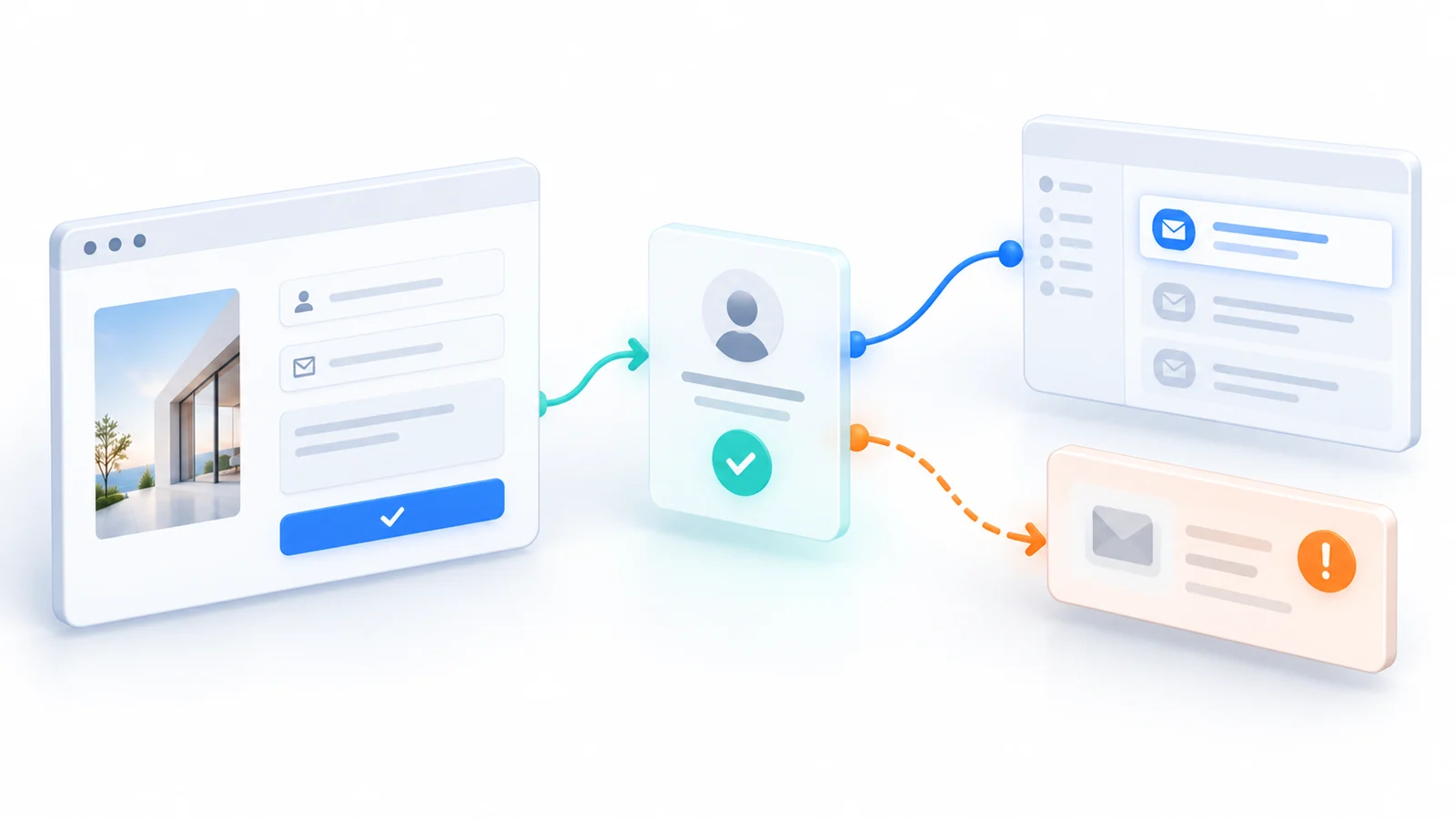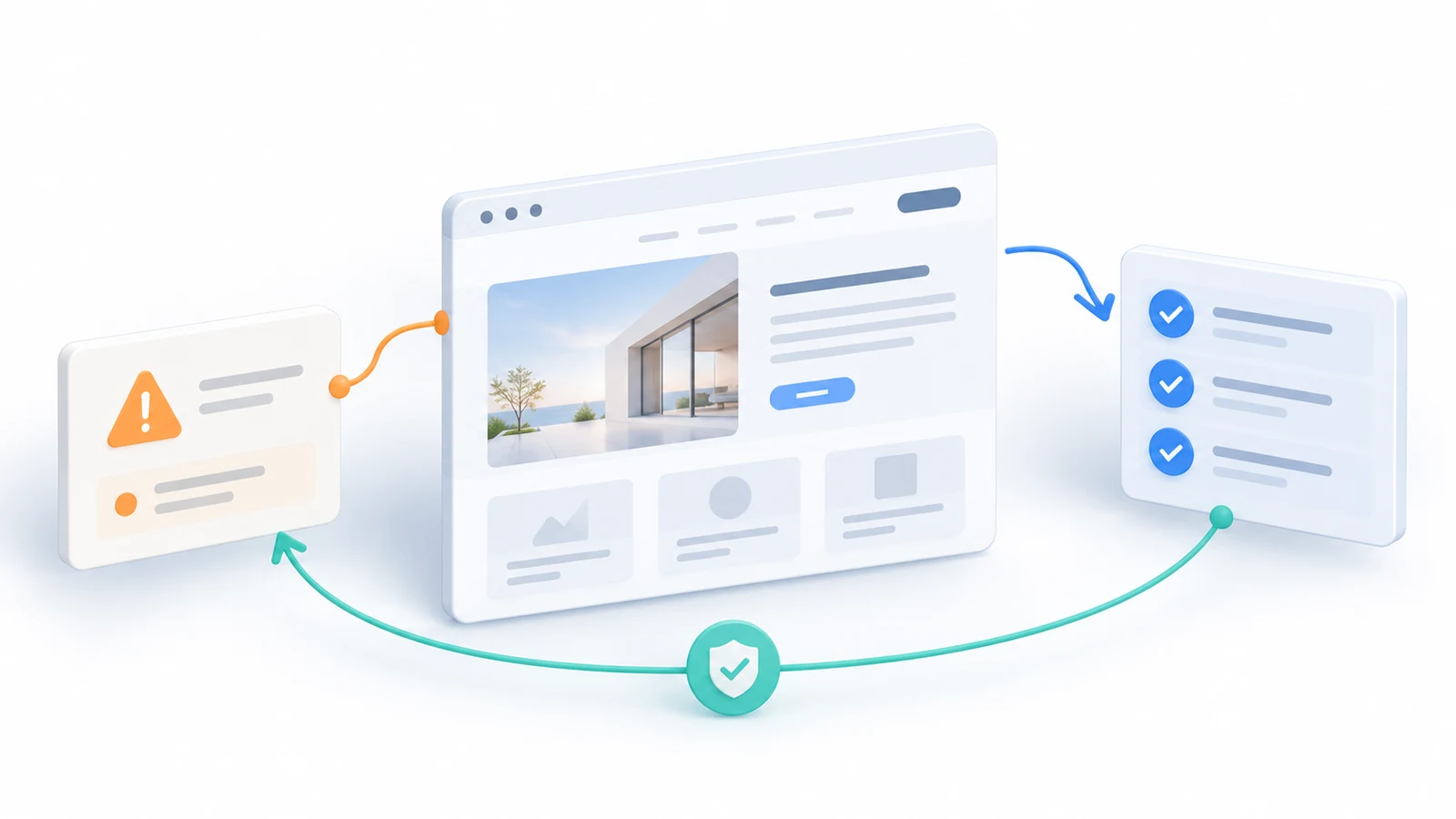
A training company launches a new website. Visitors can browse upcoming courses, choose a date, and request a place through an enquiry form. At launch, the pages load correctly, enquiries reach the team, and staff can update schedules in the content management system.
Several months later, a routine change to the email-routing configuration interrupts the enquiry path. The website still loads, the form still shows a confirmation, and a basic uptime check remains green. A visitor believes the request was received, but nobody responsible for registrations sees it. Meanwhile, the company has automatic backups, yet no one has checked whether the current site and its content could actually be restored.
This example is hypothetical, not a Technway client incident or a measured business loss. It illustrates why the responsibility for a website changes after launch. The urgent question is no longer only whether the original build passed acceptance testing. It is whether important customer outcomes will remain trustworthy as the software, content, integrations and people around the website change.
Maintenance is sometimes presented as a list of chores: install updates, create backups, check uptime. Those tasks can matter. But without clear risk and ownership, a site can be technically maintained while the business outcomes it supports become unreliable.
Start with what the website promises to the business
The training company does not primarily buy a set of plugins or a monthly maintenance report. It relies on a public course schedule, a working route for registration enquiries, secure access for content editors, and a reasonable way to recover if something goes wrong.
Those promises deserve different protection. A stale course date may mislead visitors. A failed enquiry could lose a genuine opportunity. An outdated software component could expose a vulnerability. An unusable backup could turn a short interruption into a much larger recovery problem.
The first maintenance discussion should therefore identify a few essential journeys and the consequences of their failure. Which pages and transactions matter? Who owns each system? What would customers experience when it fails? And what evidence would let us distinguish a working experience from one that only looks healthy?
For the hypothetical site, a compact protection map might look like this. The checks and owners are examples, not claims about an existing Technway service agreement.
| Business promise | Risk uptime cannot detect | Verification and owner |
|---|---|---|
| Course details are current | Published date or cached page is stale | Compare public page with approved schedule; editor |
| Enquiries are received | Form appears to succeed but routing stops | Send controlled test; confirm receipt; operations |
| Access remains secure | Old accounts or exposed components remain | Review roles, updates and access; technical owner |
| Content is recoverable | Backup set is missing files or cannot restore | Isolated restoration test; platform owner |
| Measurement is truthful | Event fires before an enquiry is accepted | Compare events with real records; analyst |
The table deliberately separates a visible symptom from proof of the intended outcome. A page can return a successful HTTP response while its enquiry destination is unavailable. An analytics event can fire while the underlying request is rejected. A backup file can exist while a restore fails. These differences determine what maintenance must actually verify.
Preventive updates need a release decision, not just a button
Software updates reduce exposure to known defects and security weaknesses, but changes can also affect a site’s behavior. A CMS update, a plugin release, a dependency upgrade or a change in hosting configuration may alter the code, permissions, data structures or integrations that a business depends on.
NIST’s Guide to Enterprise Patch Management Planning (opens in a new tab) describes patch management as identifying, prioritizing, acquiring, installing and verifying patches. Its enterprise context is broader than a small website, but its underlying lesson applies: installing an update is only one step in reducing risk. A business still needs a decision about urgency and evidence that the affected system remains functional.
For WordPress sites, the official updating documentation (opens in a new tab) recommends backing up before updating and explains that some minor and security updates can occur automatically. Automatic updates can be useful, but they are not proof that every plugin, custom theme, or connected service still behaves correctly afterward. Nor does every website use WordPress; a custom application may instead require dependency updates, hosting changes and controlled deployments.
The response should match the risk. A relevant security fix for exposed software may justify prompt action and targeted verification. A routine feature update may be scheduled during a lower-impact period, tested against a representative environment, and released with a practical correction or reversal path. Waiting indefinitely is not a sensible security policy, but changing production without understanding the affected business journey is not a maintenance strategy either.
A useful change record does not need to be long: what changed, why it was necessary, which important behavior might be affected, who approved the timing, and how the deployed result was checked. The person paying for the maintenance does not need a commit-by-commit narrative; they need to understand what risk was treated and what remains.
Detect the failures that uptime monitoring cannot see
A website availability monitor is useful for noticing that a page or server cannot be reached. It cannot establish that a visitor’s registration reached the correct inbox, that a product price is current, or that an important editor can publish a new course schedule.
For the training company, the decisive test is not merely clicking Submit. A controlled test enquiry must reach the authoritative destination under the agreed conditions, and a failed delivery must not produce a misleading success message. The team should have a way to investigate when that chain breaks, not simply observe that the frontend remains online.
The same distinction applies to measurement. Google’s guidance for troubleshooting Google Analytics (opens in a new tab) explains how DebugView and Tag Assistant can verify that tags and events are being sent. That is useful instrumentation evidence. It is not equivalent to proving that a course registration was accepted by the receiving system or that staff followed up. When conversion tracking matters, a maintenance check should compare the recorded event with the actual business result it is meant to represent.
Search visibility needs appropriate attention too. Google Search Central explains (opens in a new tab) that important pages must remain accessible and indexable, and that Search Console can help investigate crawling or indexing issues. That does not mean every short-term search fluctuation signals a website defect. The useful maintenance action is to investigate unexpected changes to the important URLs, their status codes and discoverability, rather than promise a particular ranking.
No small business needs a dashboard for every possible condition. Start with signals that can reveal a harmful failure and connect each alert to a person who can confirm the issue, decide whether it is urgent, and act. Monitoring without a response path turns an undiscovered problem into an ignored notification.
A backup is not the same as a recovery capability
A backup matters only if it contains the data and files needed and can be restored within the disruption the business can tolerate. The WordPress backup handbook (opens in a new tab) distinguishes the database from themes, plugins, uploaded files and other site content. A database export alone may be insufficient to reconstruct a working site.
Recovery also depends on information that may not be stored in the same backup: domain and DNS management, external-service credentials, environment configuration, hosting access and steps for reconnecting integrations. Some of those details should live in a secure access or recovery process rather than inside an unprotected archive.
AWS Prescriptive Guidance recommends testing backup recovery (opens in a new tab) rather than assuming that completed backup jobs prove restorability. The practical exercise for a website is a controlled restore to an isolated environment, followed by a check that important content, media and application behavior are present. That verification should not overwrite the live website or expose production customer data to an unsafe test system.
The business also needs to decide its acceptable recovery trade-offs. If the last recoverable copy is a day old, would losing a day of new registrations or content updates be acceptable? If restoring service requires a specialist who is unavailable over the weekend, can the business tolerate that interruption? The answer depends on the website’s role and the actual support arrangement—not on a universal daily-backup rule.
A responsible maintenance plan names who can authorize restoration, who performs it, where the instructions and approved access are kept, and what must be checked before the site is considered usable again.
Decide what happens when a check fails
Good maintenance creates decisions, not just a growing list of alerts. An unavailable enquiry destination may require an immediate verified alternative contact route. A security advisory may justify an accelerated update. A failed backup restore may require a new recovery plan before further risky changes. A minor visual regression on a low-traffic page may fit a scheduled maintenance window.
The examples below show how a small team can connect triggers to a response and a closure check. They are not standard service levels or guaranteed response times.
| Trigger | Decision before acting | Proof needed to close |
|---|---|---|
| Relevant security advisory | Prioritize update or protective action by exposure | Patch applied and key flows still work |
| Planned CMS or plugin change | Agree scope, backup, timing and recovery plan | Affected journeys checked after release |
| Enquiries cannot be confirmed | Protect the route and investigate its owner | Successful receipt or honest failure response |
| Recovery exercise fails | Repair backup coverage and restore procedure | Representative site restored safely |
| New feature requested | Separate new scope from routine maintenance | Requirements, owner and verification agreed |
A key distinction is between a temporary protective action and a complete repair. If enquiries cannot be confirmed, replacing a false success message with an honestly limited alternative may protect visitors while the integration is investigated. That does not mean the original enquiry process is fixed. A maintenance report should be able to say which condition has been contained, which has been repaired, and what remains open.
Define ownership before choosing a maintenance package
A hosting company, domain registrar, CMS vendor, external booking provider, website development team and business owner may each control different parts of the experience. Paying one of them does not automatically transfer responsibility for everything the website does.
The maintenance agreement should answer practical questions: Who owns access to the domain and hosting? Who reviews platform updates? Who verifies enquiries or transactions? Who notices and handles a certificate or integration problem? Who can authorize a disruptive change? What is outside the contracted scope? When should an issue be escalated to the business rather than silently treated as a technical choice?
That ownership matters especially when support is intermittent. A monthly allocation can be useful for planned updates and improvements, but it is not the same as guaranteed around-the-clock incident coverage. If urgent response is required, availability and response expectations must be explicitly agreed. Neither the client nor the provider should discover the difference during an outage.
The Australian Cyber Security Centre’s website guidance (opens in a new tab) recommends practical habits such as updates, backups, multi-factor authentication and appropriate access controls. Those measures are important, but they are not a substitute for identifying which organization and person is responsible for carrying them out on a particular website.
Our maintenance and technical support service describes an approach built around agreed responsibilities, documented changes, important workflow checks and a clear distinction between incidents, routine upkeep and improvements. The actual systems covered, response expectations and access requirements must still be defined for each engagement. Website maintenance is a service with boundaries, not a promise that every future risk disappears.
Spend maintenance effort where failure would matter
Not every site needs an elaborate operations platform or a permanent support team. A simple informational site that changes rarely has different consequences and restoration needs from a website handling paid registrations or business-critical customer requests. The right scope follows dependence on the site, frequency of change, exposure to known threats and the difficulty of recovering.
A sensible small-site plan may include an owner list, inventory of critical integrations, scheduled review of relevant updates, a verified backup-and-restore route, focused tests for important journeys and a way to report problems. Higher-risk sites may justify stronger monitoring, staged release procedures, more frequent recovery exercises and defined incident response. The purpose is to choose proportionate safeguards, not to buy every available tool.
The clearest sign that maintenance is working is not that nothing was reported. It is that essential customer journeys remain verifiable, significant changes are controlled, failures can be recognized early enough to act, and the business knows what it can recover. The record of completed updates matters, but the evidence behind the customer promise matters more.
Launch establishes a baseline. Maintenance keeps it credible.
A successful launch answers whether a website met its initial expectations under the conditions tested at that time. It cannot answer what will happen after dependencies update, a content editor changes, an integration credential expires or the business changes its process.
Post-launch maintenance is risk management because it identifies those changing conditions, decides what to prevent, watches for what cannot be prevented, and preserves a usable path to recovery. A website does not become reliable merely because someone owns the renewal invoices or runs a monthly updater.
For a business owner, the best maintenance question is not simply “Are our plugins up to date?” It is “Which customer promises does this website make, how will we know when one stops working, and who is responsible for restoring it?”