A company needs a website for its services, case studies, and enquiries. Today, the requirements sound straightforward. Next year, it may want another language, a customer portal, or an integration with an internal system. Should it choose WordPress, a headless CMS, or a custom application?
That question often produces a technology debate before anyone has described who needs to update the website, what the software must do, and who will maintain it after launch.
The useful choice is not between “simple” and “advanced” technology. It is between different responsibilities: managing content, presenting it to visitors, and handling business transactions or workflows. Those responsibilities can live together or be separated, and the decision changes both the initial project and the work that follows.
First, clarify what the three options actually mean
The names are not three mutually exclusive product categories. WordPress is a content management system and website platform. In a conventional setup, its editing environment and public website are part of the same application, often with a custom theme and selected plugins. It can also serve content to a separate frontend through its REST API, so WordPress itself can be used as a headless CMS (opens in a new tab).
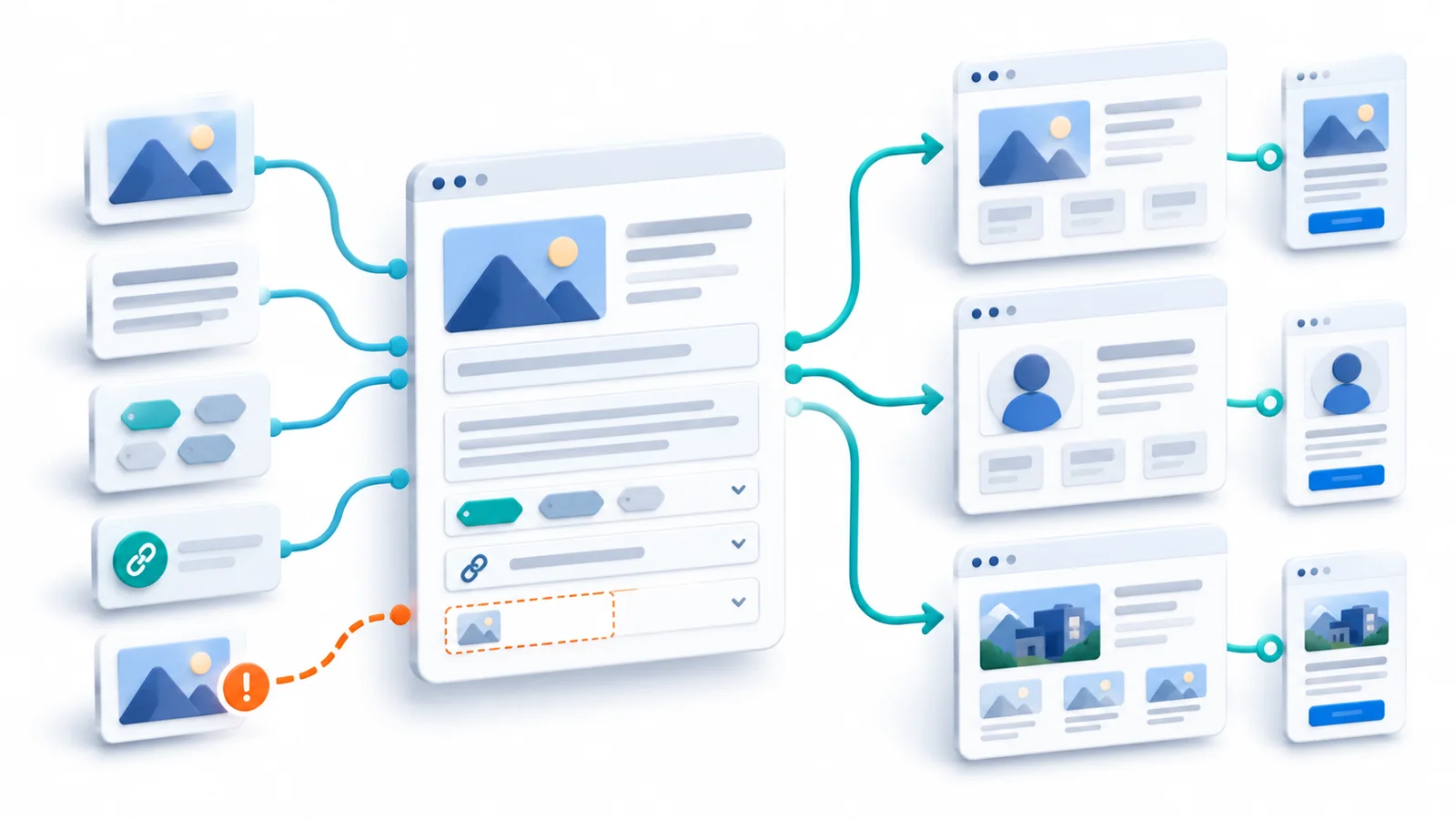
“Headless” describes a separation between the content system and the application that displays the content. A headless setup might pair WordPress, Payload, or another CMS with a frontend built in Next.js or another framework. The benefit is control over delivery and structured content reuse; the cost is that the connection and publishing experience must be designed and maintained.
A custom application describes software built around specific user actions and business rules: accounts, booking conditions, order processing, access permissions, or other domain workflows. It can have a custom frontend and backend while still using WordPress or another CMS for service pages, help articles, and marketing content.
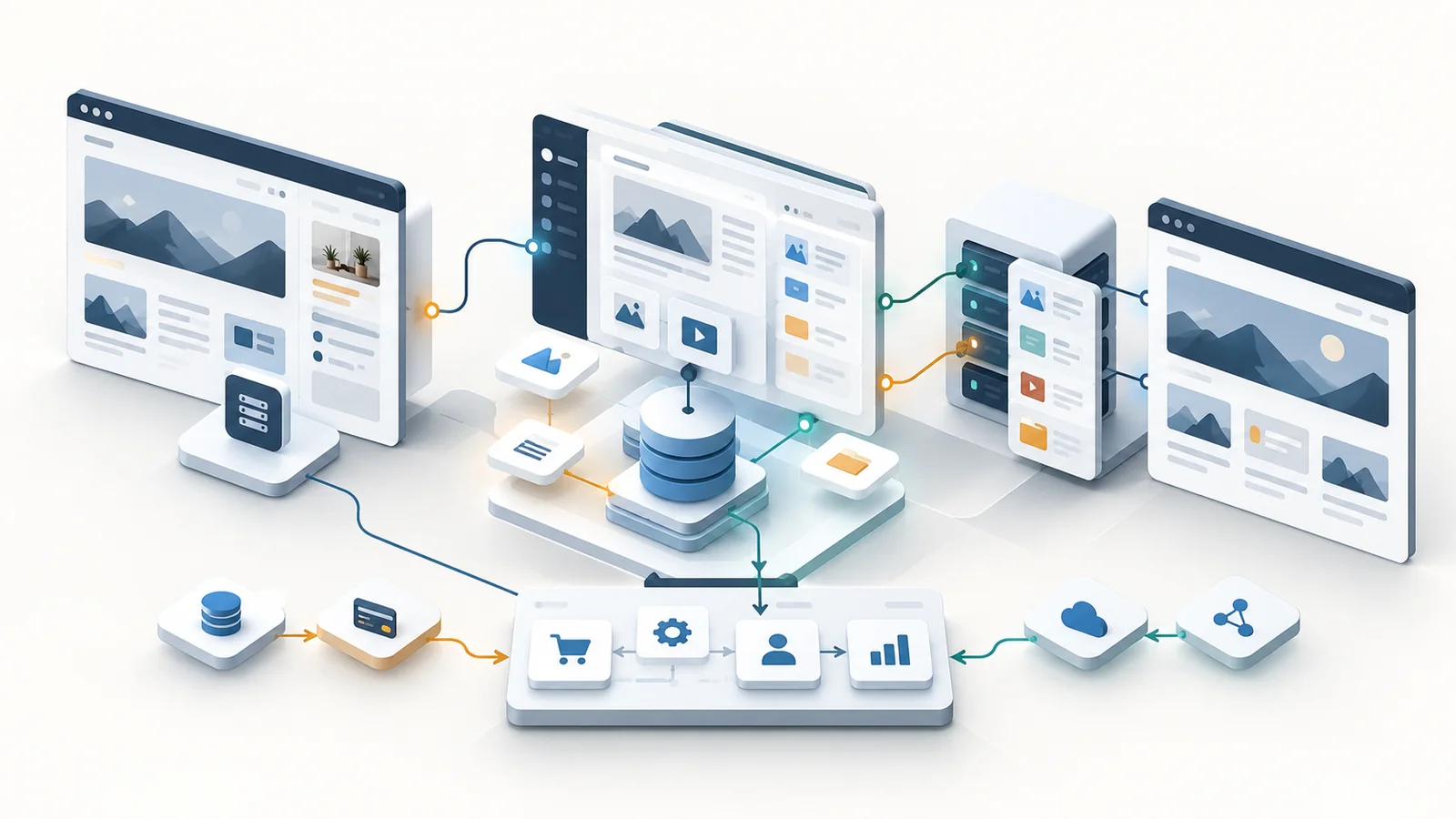
That gives us a more useful framing: these are delivery models that can overlap. The decision is which responsibilities genuinely need custom software and which can be handled reliably by a content system.
Start with the person who must publish on an ordinary Tuesday
A CMS is valuable only if the people responsible for content can use it to do their actual work. A claim such as “the website will be easy to update” is not a requirement until we know what the editors must change and what independence means in practice.
Consider a content editor who needs to add a service, update its price range, upload images, adjust search metadata, preview the result, publish it in two languages, and later correct a mistake. Which steps can this person complete without developer intervention? Who can approve publication? What happens if the translated page is not ready at the same time?
A conventional WordPress setup may be a strong fit when editors need familiar pages and posts, controlled layouts, and uncomplicated publishing. A headless CMS may be useful when content has a reusable structure—for example, services or projects presented in multiple views or applications—but the editor still needs a credible preview and publishing workflow.
A bespoke frontend with content hardcoded in the repository is not a substitute for an editorial workflow. It may work for a site that almost never changes, but it creates a hidden dependency if every routine wording change requires a developer, a code review, and a deployment.
Before choosing a stack, ask a representative editor to perform a realistic content change in a prototype. That exercise reveals requirements a feature comparison rarely captures.
Then identify what belongs to the business application
Content and operational data are different. A service description, team profile, article, or landing-page section is typically editorial content. A booked appointment, approved refund, customer entitlement, stock reservation, or paid order is a business record with rules about correctness, permissions, and state changes.
Both may appear on the same page. But that does not mean they should be managed by the same subsystem. A public product page can be edited in a CMS while pricing, inventory, and checkout remain governed by commerce services. A booking page can have CMS-managed explanations while availability and reservations are validated by a booking system.
If a project is mainly about content with a few forms and standard integrations, building a new application backend can add unnecessary work. If the core requirement is users performing complex, permissioned transactions, forcing those workflows into editorial fields and plugins may conceal the need for an actual application.
The key question is: does the system mostly publish information, or must it enforce business rules that change records and affect customers? Many products do both. In that case, the sensible architecture may combine a CMS and custom business services.
Compare the options against real operating needs
The following table describes common starting points rather than universal rankings. Existing skills, platform constraints, accessibility requirements, and integration details can change the answer.
| Delivery approach | Where it often fits | What to verify before committing |
|---|---|---|
| Conventional WordPress | Content-led site with routine page, post and media editing | Theme and plugin maintenance; limits of templates; editor permissions |
| Headless CMS + custom frontend | Structured content reused across distinct layouts or channels | Secure preview, fresh published content, two systems to operate |
| Custom business app + optional CMS | Accounts, bookings, permissions and other domain-specific workflows | Data integrity, authorization, integrations, testing and support |
| Extend an existing platform | Core website already works; targeted new capability is needed | Whether extension is maintainable and cheaper than replacement |
The table does not mean WordPress cannot be extended or that headless systems always need more infrastructure. It identifies the additional responsibilities likely to matter in each model. A small, carefully scoped custom application can be simpler than a heavily customized CMS; a conventional WordPress site can be more demanding than expected if it relies on conflicting extensions. The actual implementation must be assessed.
Headless flexibility must include a working publishing experience
Separating the frontend from the CMS creates architectural freedom, but also new behavior that somebody must own. A published change must reach the public site through the appropriate fetching and cache-invalidation process. A draft must be previewable without accidentally exposing unpublished material. URL changes, locales, media, authentication, and failed API responses need defined handling.
For example, Next.js documents a Draft Mode workflow (opens in a new tab) for previewing unpublished content from a headless CMS. It is not something that becomes complete merely by connecting an API. The application must handle secure access, draft fetching, and the editor’s route back to the page. Payload documents drafts and versions (opens in a new tab), but enabling those CMS features still does not automatically implement preview, caching, and release behavior in every custom frontend.
These details have business consequences. If an editor cannot confidently see what will go live, every publication may need developer help. If a published correction remains stale on the public website, the content system is not delivering the independence the project was supposed to provide.
A real example: different responsibilities in one Technway website
Technway’s own digital-platform case study documents a custom Next.js frontend connected to WordPress as a headless CMS, with structured services, work, team, and article content in English and Arabic. The public case study describes WordPress as the editorial environment while the frontend handles layout, interaction, and responsive presentation.
That example is useful because it demonstrates the overlap between the labels in the title: choosing WordPress did not require using a conventional WordPress theme for the public interface. The choice followed the need to combine editable content with a distinct frontend. It does not establish that every business website should make the same trade-off, or that a headless architecture automatically improves performance.
Evaluate the cost after launch, not just the build estimate
A technology comparison based only on development cost misses what the business will pay in time and responsibility over the next few years.
For a conventional WordPress site, consider plugin and theme maintenance, hosting, security updates, editorial training, backups, and the compatibility effects of customization. WordPress provides update mechanisms (opens in a new tab), but someone still needs responsibility for reviewing changes, verifying backups, and checking that important journeys continue working. A documented maintenance and support arrangement should make that responsibility explicit.
For a headless system, add the costs of maintaining the CMS and frontend together: preview and deployment environments, API changes, authentication, rendering and indexing behavior, cache invalidation, and incident diagnosis across separate components. Some managed services handle part of this work; the team still needs to understand the boundary.
For a custom application, account for business logic, data integrity, access control, monitoring, testing, documentation, and the people capable of maintaining it. If the project also requires frequent editorial changes, budget for a CMS or an equivalent editing experience rather than assuming the application’s administration screens will be sufficient.
Licenses and hosting fees are visible budget lines. Repeated developer involvement for small content changes, unreliable integrations, delayed upgrades, and difficult handovers can be less visible and just as consequential. The most economical starting option depends on those future tasks, not a generic claim that one technology is always cheaper.
Test the recommendation against realistic scenarios
The scenarios below are illustrative. Each starts with a reasonable architectural direction and identifies what evidence could change it.
| Illustrative requirement | Reasonable starting direction | Evidence that would change it |
|---|---|---|
| Service site; few editors; familiar layouts | Conventional WordPress with selected customization | Highly differentiated interactions or cross-channel reuse becomes essential |
| Bilingual services and case studies; bespoke frontend | Structured/headless CMS with custom frontend | Editors cannot reliably preview or publish within the team’s budget |
| Customer portal; booking and authorization rules | Custom application; CMS for public content as needed | Existing proven software covers workflows with acceptable integration cost |
| Existing WordPress site works; one new integration | Targeted extension and maintenance | Technical constraints make changes fragile or disproportionately costly |
| Tiny brochure site updated only occasionally | A simple site may not need a full CMS | Nontechnical editors must publish regularly or content grows |
The last column is important. Without a reason to reconsider the recommendation, a “decision framework” becomes a preference disguised as analysis.
A better decision needs a small proof, not a large promise
Before approving a platform, define a representative slice of the real work: create a structured service page, edit it with the intended user role, preview and publish it, update a translation, then verify the public result. If the project includes business transactions, also trace one realistic operation through validation, authorization, the source of truth, and failure recovery.
That exercise should answer several questions: Can editors complete routine work independently? Does the proposed content model fit real information? Do integrations respect the systems that own business data? Can the team explain how a change reaches production? Who handles updates, incidents, and future migrations?
The outcome need not be an extensive technical proof of concept. Sometimes a configured CMS demo and a short integration spike are enough to expose a bad assumption. For a risky workflow, more evidence may be justified. The effort should follow the cost of choosing wrongly.
Choose responsibilities first, technologies second
A website platform decision is durable because it determines not only how the public pages are built, but who can change content, how business rules are enforced, what happens when systems disagree, and who must be available after launch.
Conventional WordPress, headless CMS with a custom frontend, and custom application development are all sound options when their responsibilities fit the actual need. Sometimes the answer is to keep and improve an existing site. Sometimes it is a combination rather than a single choice.
Start with the editor’s work, the customer’s tasks, the integrations that hold critical data, and the ongoing maintenance arrangement. The best technical choice is the one the business can operate, extend, and recover—not the one with the longest list of features.